Activity 2: Open-Access Digital Animation & Audiovisual Workshops
Lowering technical barriers to modern animation and documentary film production through shared community workstations and open-source software.
Democratizing Modern Animation & Digital Storytelling
The transition from analog to digital animation has transformed the global media landscape. However, the software subscription costs, proprietary hardware requirements, and steep technical learning curves have erected severe barriers against underrepresented voices. In major urban centers like Paris, students from modest backgrounds often find themselves priced out of entry-level animation training, reinforcing an industry monoculture dominated by graduates of expensive private schools.
Activity 2 directly confronts this digital divide. Operating from our central facility at 36 Rue du Faubourg Saint-Martin and in mobile configurations across partner libraries, MATOUTOU maintains eight fully equipped digital animation workstations. Each station features high-resolution pressure-sensitive drawing monitors, calibrated color displays, and open-source animation suites.
Under the guidance of volunteer digital artists, animators, and sound designers, participants receive structured, hands-on training in traditional 2D frame-by-frame animation, digital rotoscoping, character rigging, timeline keyframing, and audio-video compositing. We prioritize open-source software solutions—such as Krita, Blender, OpenToonz, and Audacity—ensuring that students acquire transferable skills they can immediately continue utilizing on their domestic or school computers without incurring licensing fees.

Infrastructure Specifications
- Active Workstations: 8 high-performance animation suites
- Core Software: Blender 2D Grease Pencil, Krita, OpenToonz
- Audio Tools: Audacity, Ardour, Rode studio condenser mics
- Instruction Ratio: 1 volunteer mentor per 4 students
- Annual Short Films Produced: 8–12 civic animated vignettes
The Four Pillars of Our Animation Curriculum
Our animation program is structured into four intensive modules designed to take students from foundational physics to finalized, synchronized audiovisual shorts:
Module 1: Principles of Motion, Weight & Timing
Participants begin by mastering the classical twelve principles of animation established by early pioneers, focusing specifically on squash and stretch, anticipation, staging, and follow-through. Through classic exercises such as the bouncing ball, pendulum swing, and four-frame walk cycle, students learn how timing and spacing dictate weight and emotional realism.
Module 2: 2D Digital Hand-Drawn Animation & Keyframing
Using digital tablets, participants explore frame-by-frame drawing techniques. Students learn the distinction between "straight ahead" animation and "pose-to-pose" workflow, setting extreme keyframes before calculating breakdowns and in-betweens. Onion-skinning tools are utilized to ensure fluid transitions and consistent volumetric volume.
Module 3: Rotoscoping & Civic Documentary Storytelling
In this unique civic module, participants film short documentary video clips of neighborhood scenes, community gardens, or local historical landmarks. They then rotoscope over this footage frame-by-frame, transforming live-action community footage into stylized, graphic animated shorts that celebrate Parisian neighborhood life.
Module 4: Sound Design, Foley Recording & Video Rendering
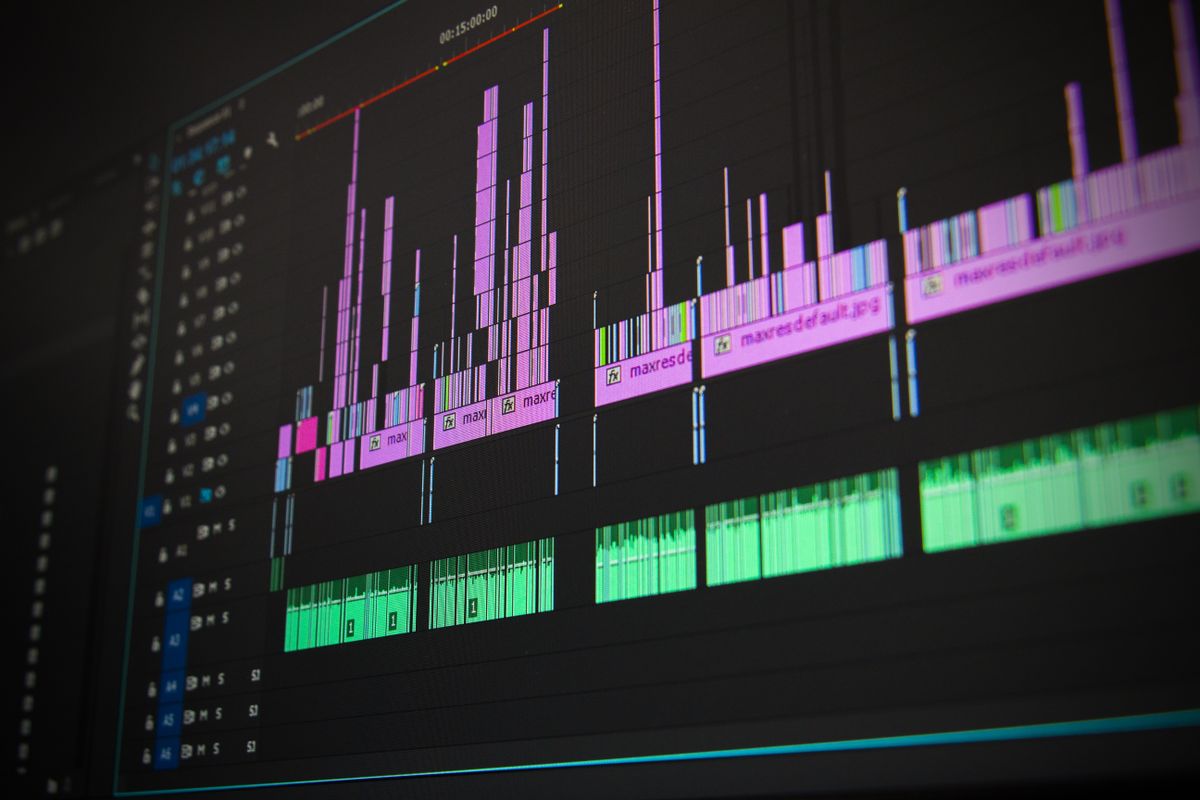
Animation is fundamentally incomplete without sound. Students record ambient neighborhood audio, dialogue tracks, and custom foley effects (footsteps, fabric rustle, mechanical clicks) using studio microphones. They learn to edit multitrack audio timelines, balance decibel levels, and export broadcast-quality video files compliant with web and cinema projection standards.


Inquire About Digital Animation Sessions
Spaces in our digital animation suites are allocated free of charge on a semester basis. Contact our administrative secretariat to learn about the next cohort enrollment period or to discuss institutional workshop bookings.
Contact Secretariat for Activity 2 Inquiries